
Data Verification
By enabling Data Verification, operators can quickly confirm whether a device contains any recoverable data after processing.
Key Benefits
-
Confirms whether a device is truly data-free
-
Helps ensure compliance with data privacy and security requirements
-
Reduces risk of shipping devices containing residual user data
-
Integrates seamlessly into existing Phonecheck workflows
How It Works
Step 1 – Enable Data Verification
-
Navigate to the Phonecheck Dashboard
https://dash.phonecheck.com/login -
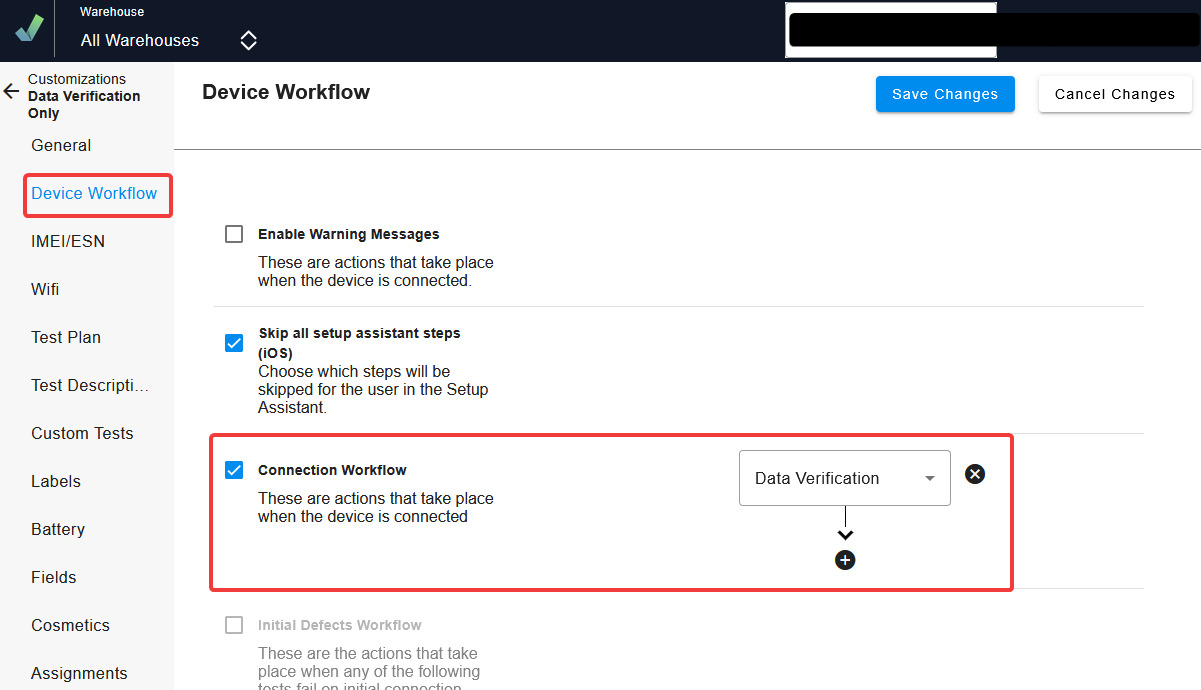
Create a Data Verification customization profile and Enable the Data Verification setting in your Connection Workflow settings and save the profile.
Step 2 – Assign the Profile
-
Assign the newly created Data Verification profile to the appropriate stations or as a package.
Step 3 – Connect Devices
-
Connect iOS or Android devices to Phonecheck using the assigned profile.
-
Allow the device to prepare
Step 4 – Review Data Verification Results
Once the device prepares, the Data Verification field will automatically update with one of the following results:
| Status | Description | Desktop View |
|---|---|---|
| Data found on device | User data is still present on the device. Further action may be required. | 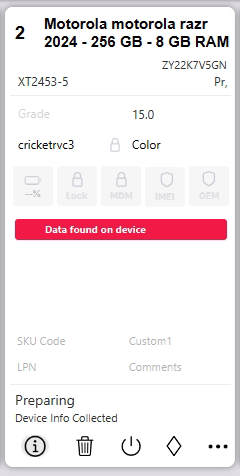 |
| No data found on device | No user data was found. The device is considered data-free. | 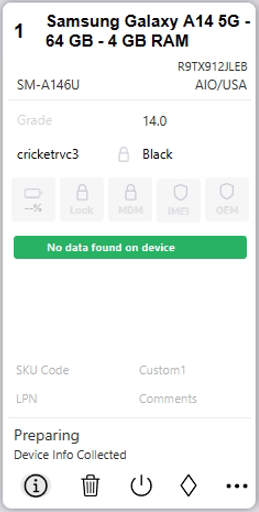 |
Step 5 – Data Verification Results in Cloud DB
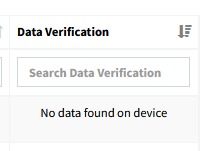
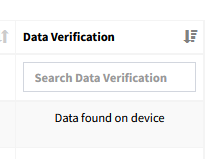
You can locate the Data Verification results in your Cloud Database, under the column labeled "Data Verification"
https://cloudportal.phonecheck.com
 |
 |