
Please note that ALL of these checks come at an additional cost! Reach out to your Sales Rep or Billing department to get an understanding of the cost associated.
1. Log In
Log in to https://imei.phonecheck.com/login using your Phonecheck master account login.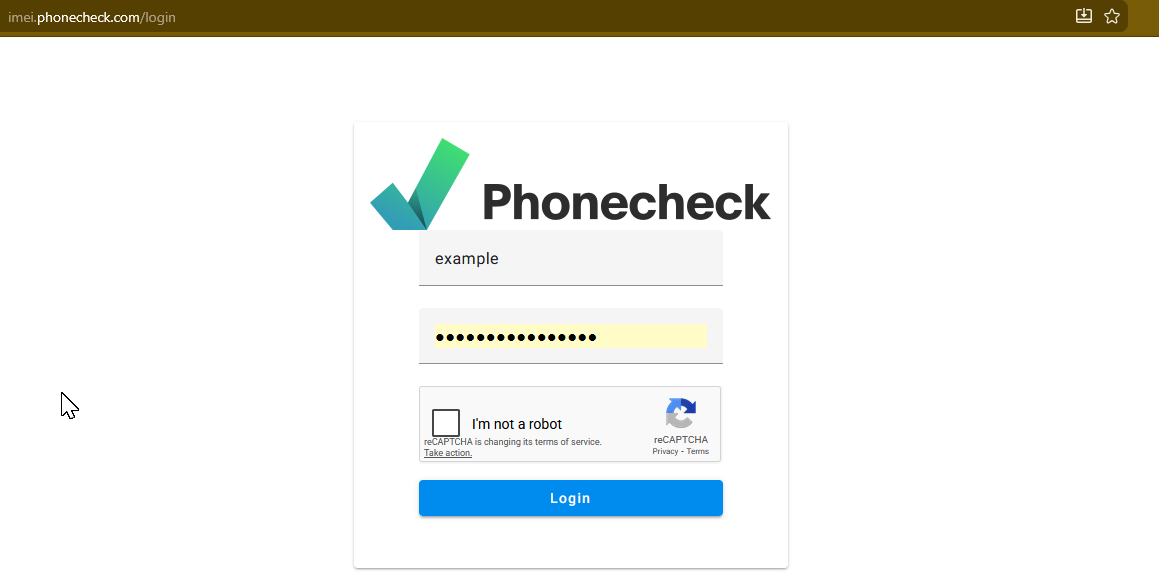
2. Enter IMEIs
There are three simple ways to enter IMEIs using Bulk IMEI. You can choose to:
-
Drag-and-drop: Drag and drop a file containing IMEIs into the designated area.
-
Manual Entry: Click on "Click here to enter IMEI" to manually enter IMEIs one by one.
-
Spreadsheet Upload: Click on "Upload File" to start uploading a spreadsheet containing IMEIs.

Note: IF the application detects that a spreadsheet with MULTIPLE IMEIs was uploaded, the application will ask the user to confirm which column to process. Otherwise, the application will segue directly to the Bulk Uploader Settings page.

3. Select Processing Options
Select the desired processing options and click "begin processing".
-
Cost-Effective - Returns a basic report. Consumes one ESN check + one carrier lock.
-
Most Accurate - Returns the most comprehensive report available including a Device History Report. For each device, the option utilizes up to four ESN checks + one carrier lock.
-
Custom - Returns a custom report based on selected settings

4. Monitor Bulk IMEI Progress or Start Another Bulk Check
-
After clicking “Begin Processing“, you’ll be segued back to the Bulk IMEI homepage. There, you can monitor the progress of your upload.
-
When your upload completes, a “Complete“ status will appear on the corresponding row. Click on “View“ to view the report.

5. View or Download Results
View your results online or select “Download Results“ to export in Excel.
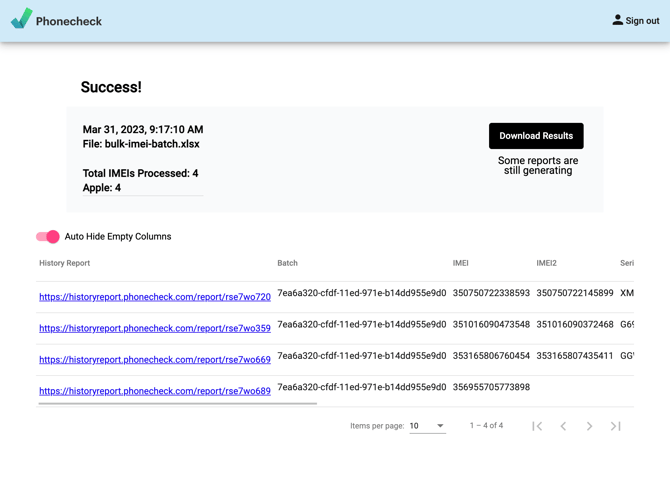
Table Legend
-
History Report- Every device gets a history report URL -
Batch- Batch ID for the IMEIs processed -
Warranty Status- Warranty Status (Active or Expired) -
IMEI- IMEI of the device -
IMEI2- IMEI2 of the device -
Serial- Serial number of the device -
Make- Manufacturer of the device (Samsung, Apple, Google, etc.) -
Model- Model name for the device (Galaxy S23, iPhone XR, etc.) -
Model Number- Model number (LL/A, SM-G960U, etc.) -
Memory- Storage size of the device (64GB, 256GB, etc.) -
Color- The color of the device -
FMIP- Find my iPhone (iCloud Lock) -
Carrier- Carrier we get from the API checks -
SimLock- Apple status for sim lock (Lock or Unlocked) -
Blacklist- Status of the blacklist -
Verizon- Financial result -
T-Mobile- Financial result -
Country- Country of origin -
Warranty- Warranty information
For more info, contact your Account Manager or our Support Team with any queries or feedback.