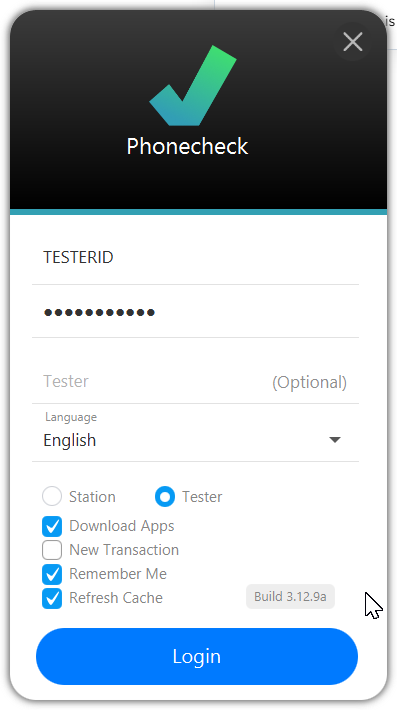
Tester ID can be created in order to allow the Tester to login to any station
Sub-Master can be created in order to allow an additional set of credentials to be used to access the Cloud Portal instead of using the main credentials.
Permission & Role Assignment
-
Read Only: can view only, and can't change any setting or assignment in the cloud portal.
-
Read/Write: can view, edit, and change settings in the cloud portal.
-
Sub-master: Access to all sections in the cloud portal and the ability to create Tester Logins.
-
Tester: Access to the Phonecheck desktop login.
Note: Both Sub-master & Tester have the ability to log in as a tester on Phonecheck Desktop
Instructions to Create
Go to Cloud Portal > Customization > Tester Logins
https://cloudportal.phonecheck.com/cloud/Setting/AddTesters
-
Fill in the Tester's Name (Person's Name)
-
Tester Username (Login Credential ID desired)
-
Tester Email (Email for Reference)
-
Password
-
Select Role: Sub-master or Tester
-
Select Warehouse Assignment
-
Select Permission: Read Only or Read/Write (Important for Sub-Master only)
-
Select "Add Tester" once ready to create
-
Type your password used to log in to the cloud portal (Master Password)
-
The Tester or Sub-Master login is now successfully created

You can login using your Tester ID on the Desktop login by selecting "Tester" on the login screen